
This post is mainly for myself - I write down the operations I often need to setup websites here to save time: I setup only a few websites a year and often forget what I did when trying to setup a new one.
Setup Domain Name and Email
-
Register domain on GoDaddy
-
Create a website in SiteGround:
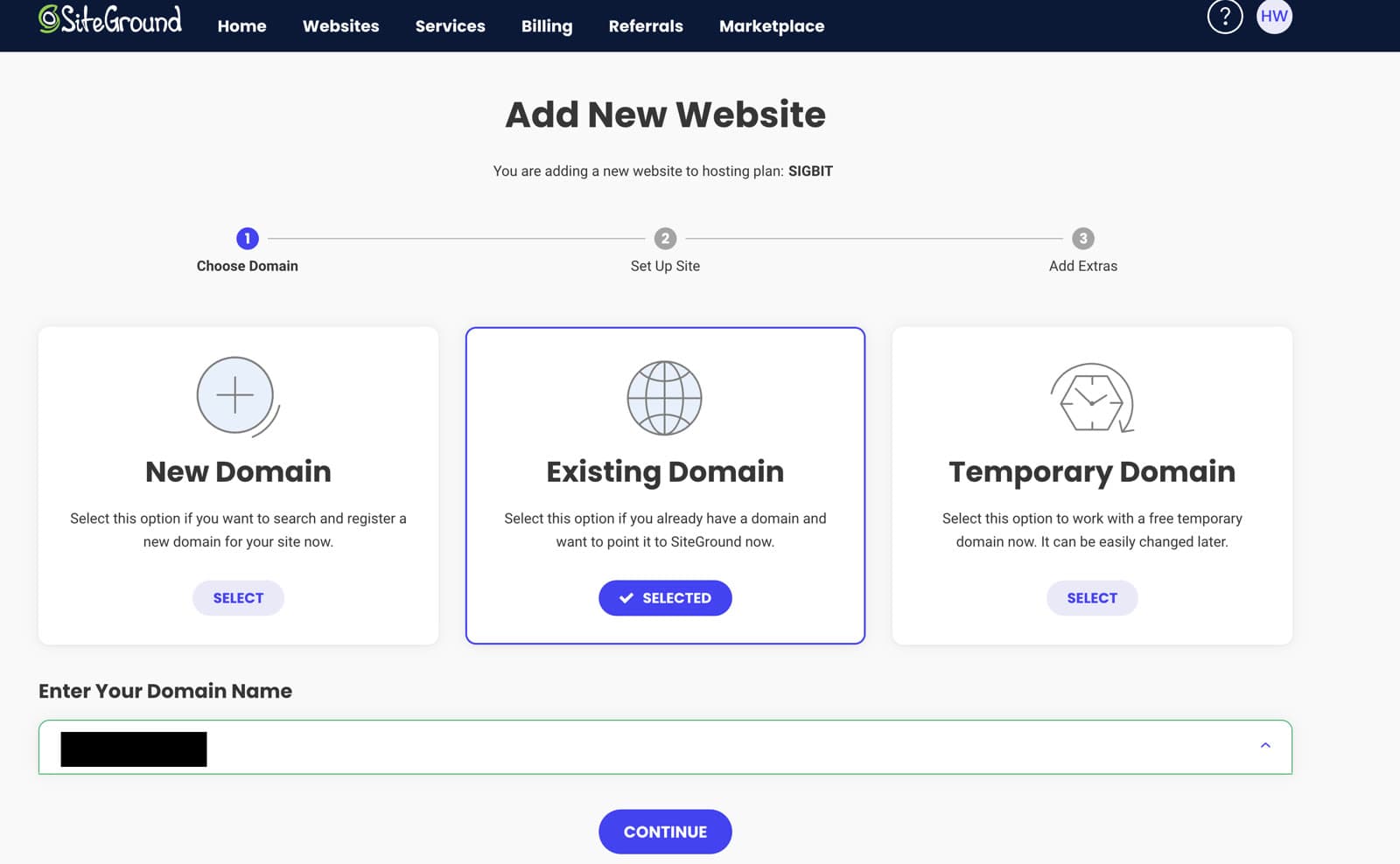
- Create empty site and finish:
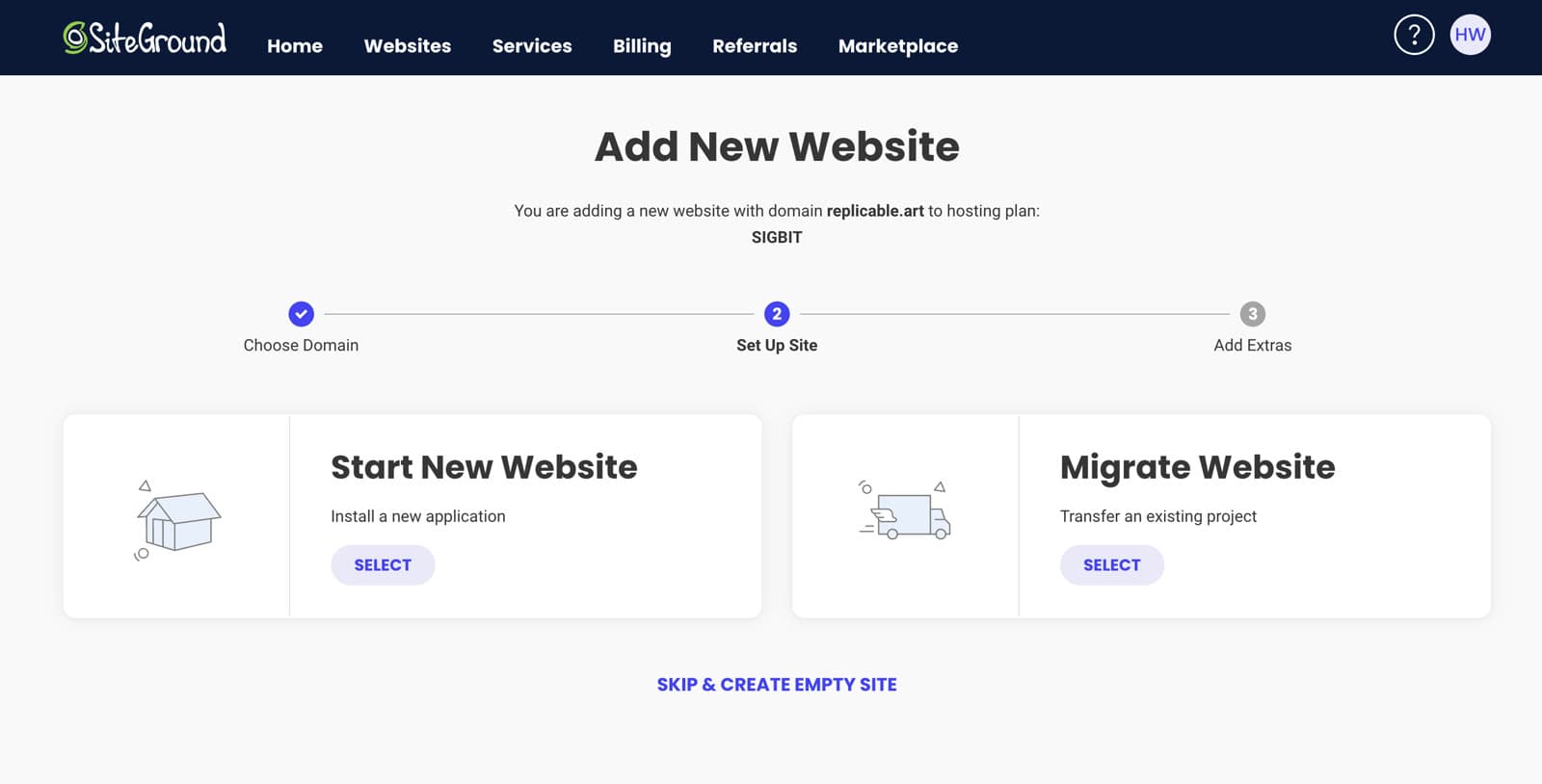
- Change the name servers in GoDaddy to use SiteGround for DNS:
ns1.siteground.net

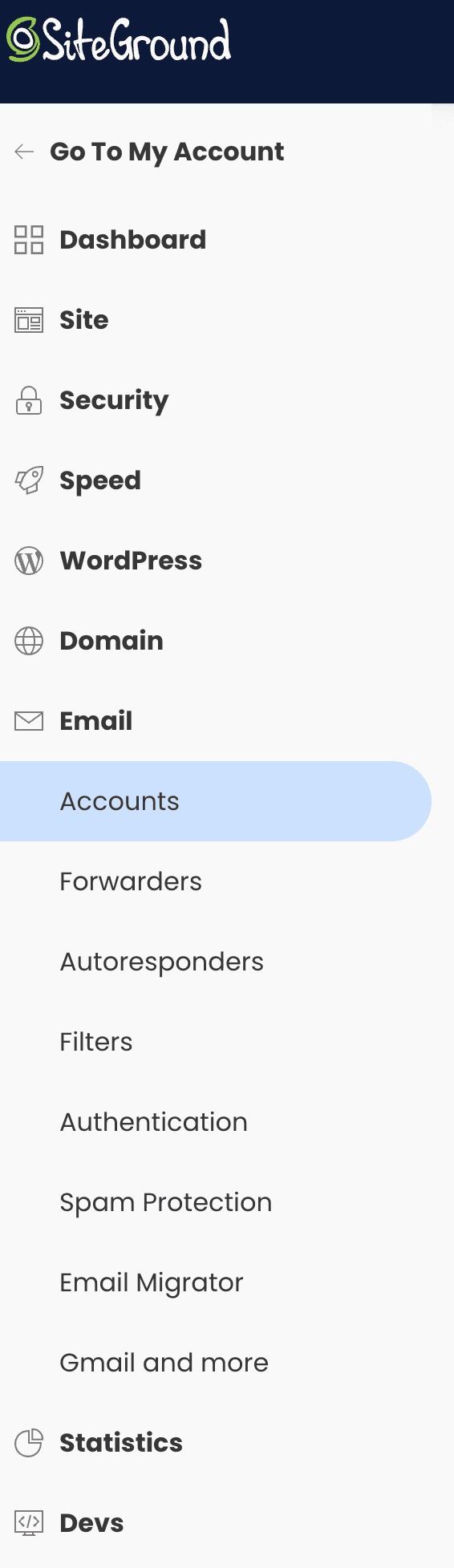
ns2.siteground.net- Go to site tools of SiteGround to setup emails:
Setup a new Wordpress Website
- Create a new Wordpress installation
- Install a professional theme, such as https://themeforest.net/item/salient-responsive-multipurpose-theme/4363266
- Find a demo site and load the content
- Customize the content
Clone/Migrate a Wordpress Website
The current Wordpress website is at 2022.yourwebsite.com, which you want to clone to 2023.yourwebsite.com.
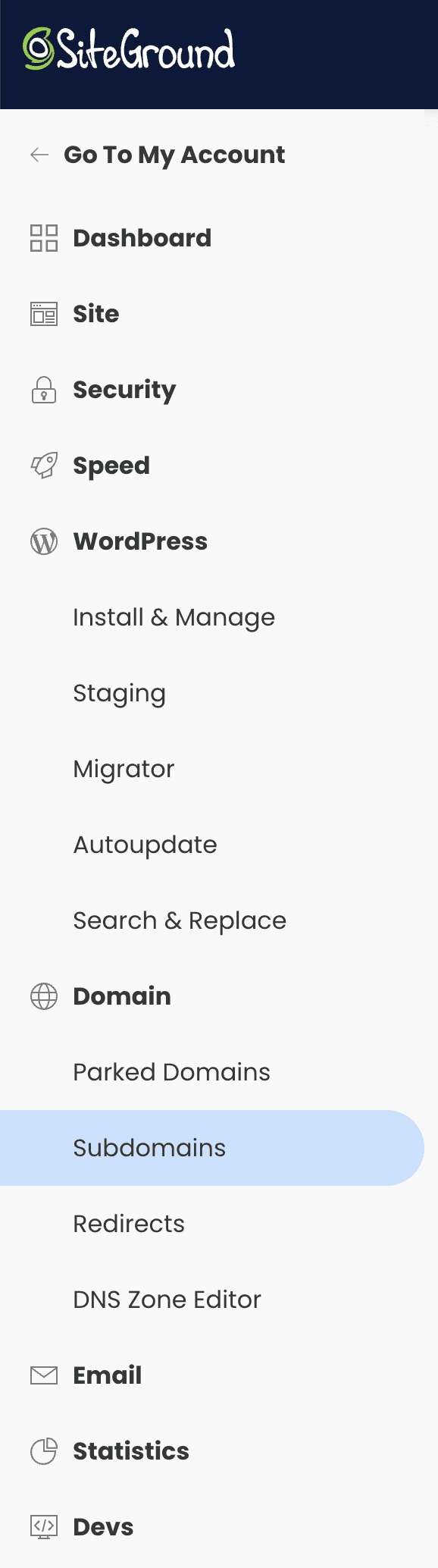
- Go to SiteGround and create the subdomain name
2023.yourwebsite.com(DO NOT install wordpress to this subdomain):
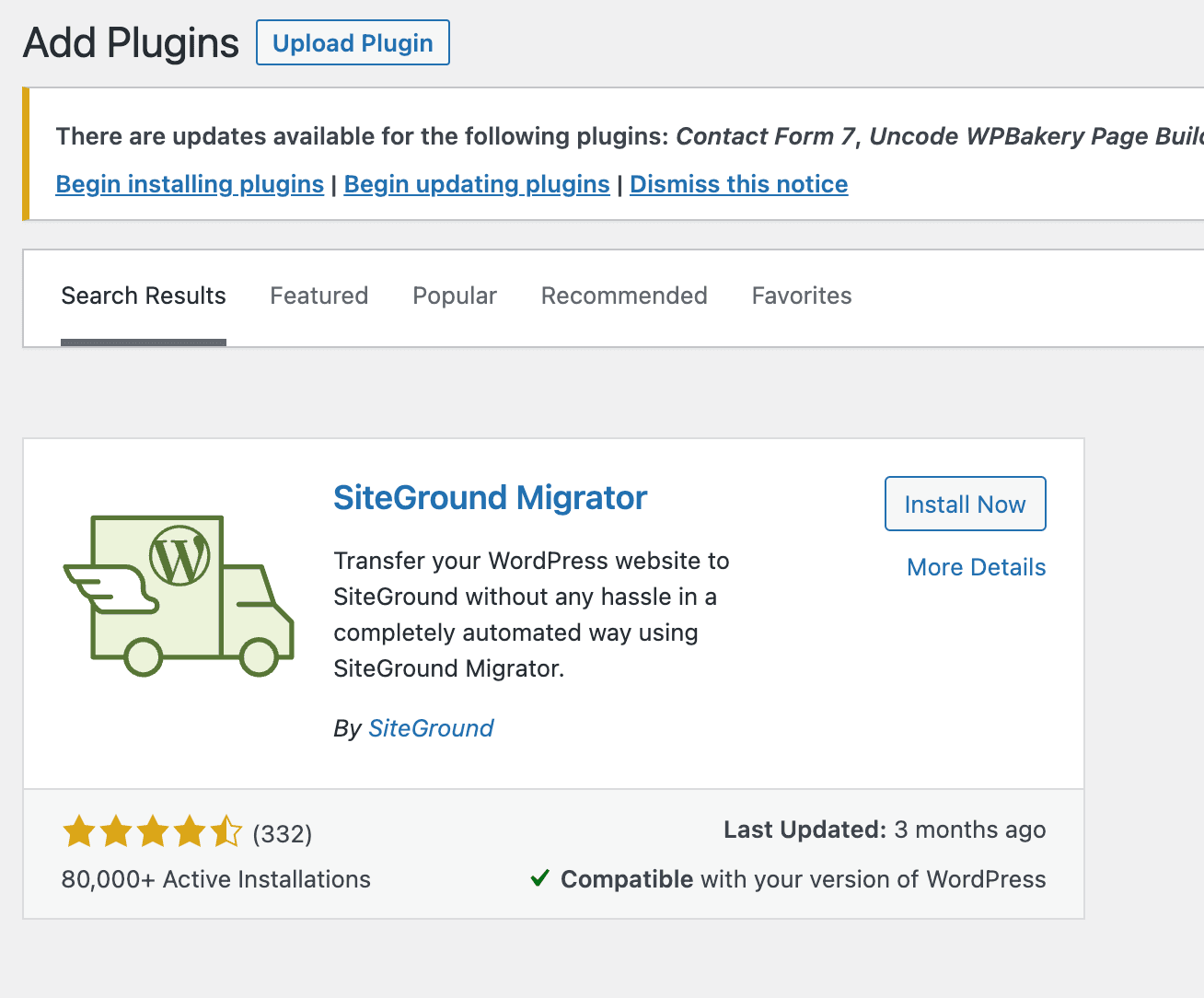
- Go to 2022 Wordpress Admin site and install SG Migrator plugin:
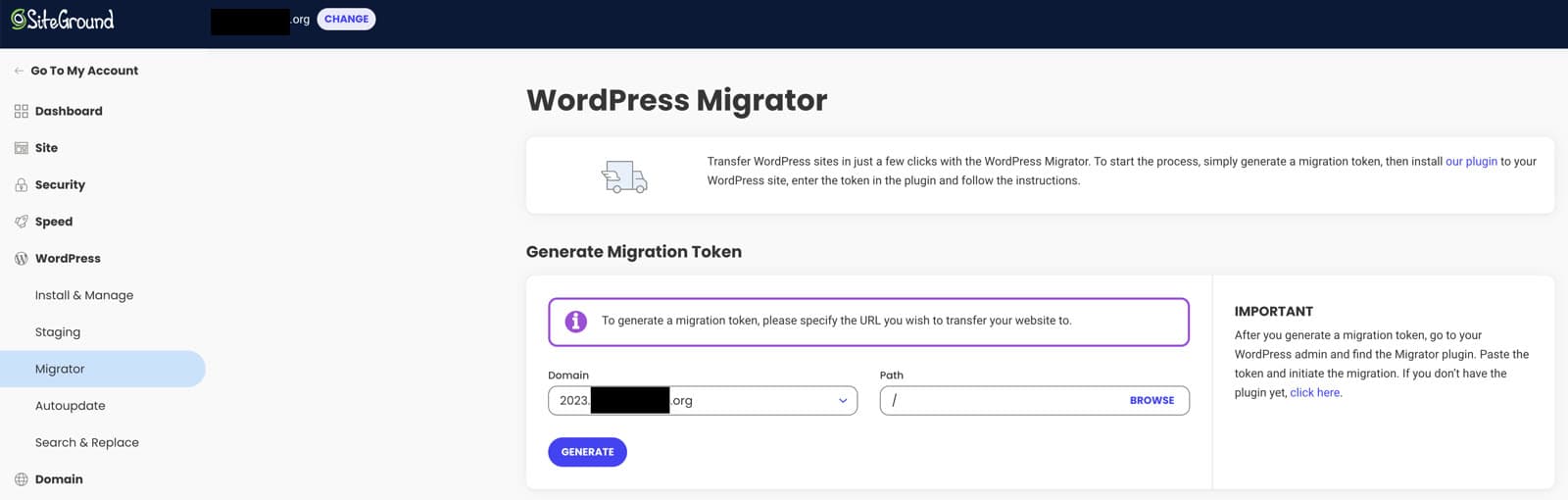
- Go to 2023 SiteGround site and generate a migration token (Site Tools -> WordPress > Migrator):
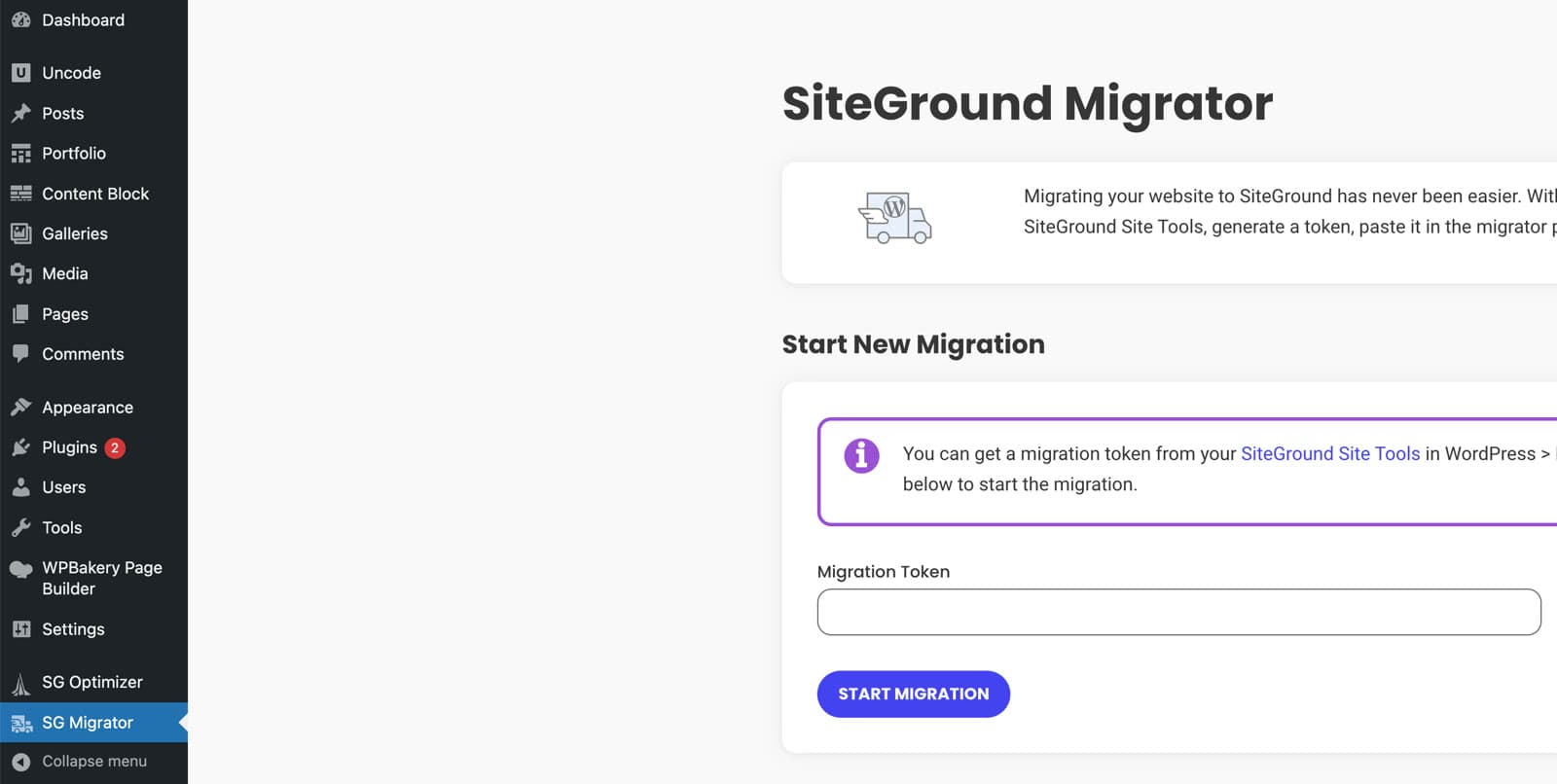
- Go back to 2022 Wordpress Admin site > open SG Migrator > paste the Token and start a clone/migration:
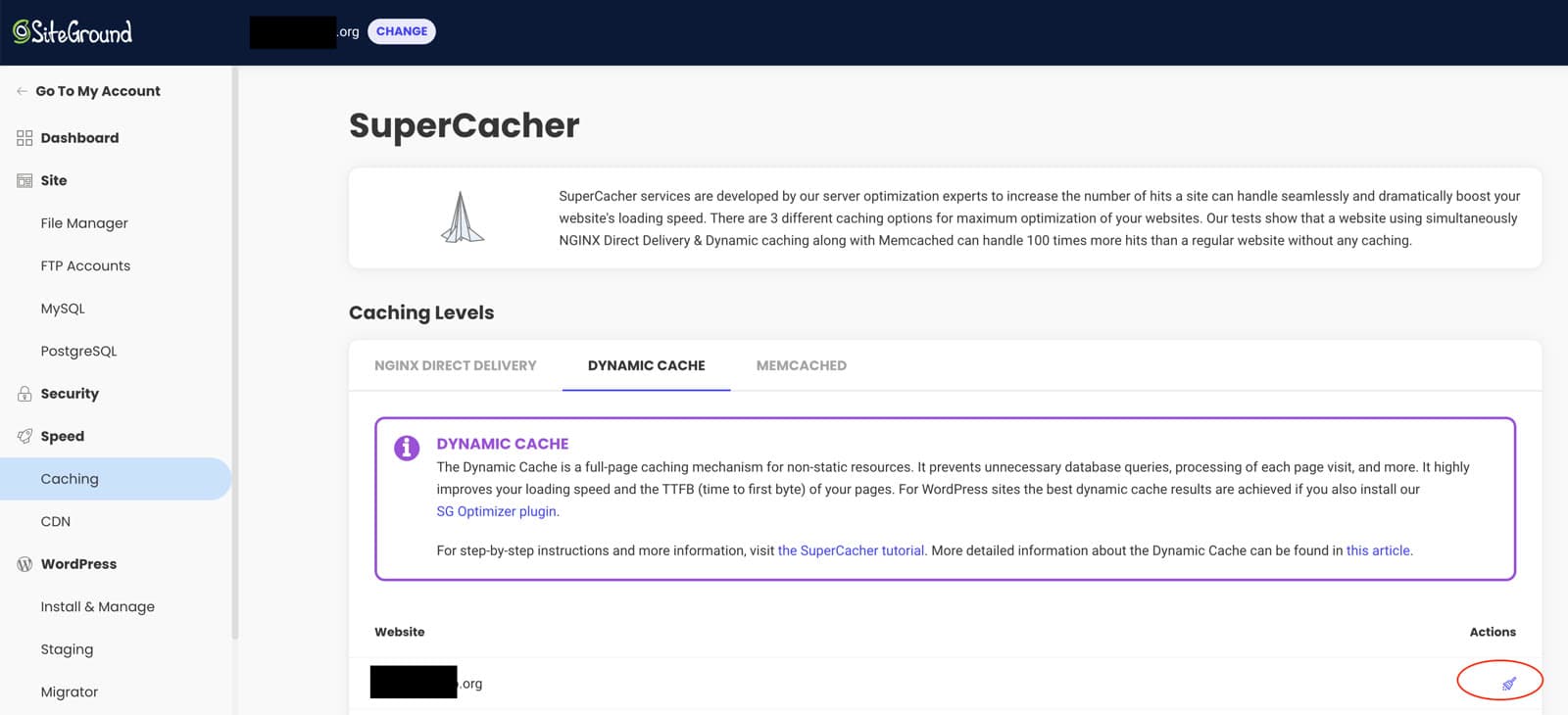
- (Optional) Go to 2023 SiteGround site and flush the new 2023 Dynamic Cache: Site Tools > Speed > Caching > Dynamic Cache
PS. The featured image for this post is generated using Stable Diffusion, whose full parameters with model link can be found at Takin.AI.