
This past May 27th marks the 20th Anniversary of Wordpress. I have been using Wordpress for more than 15 years, e.g., I adopted Wordpress for CSWIM in 2012 as a conference co-chair and Wordpress has been powering many websites I built.
Recently, we needed to integrate a CMS with our main site at Takin.AI and chose to use a Headless Wordpress after looking into many other options, such as Strapi, Sanity, etc. The main reason to choose Wordpress is because I know Wordpress very well and we have a Wordpress hosting plan on SiteGround for years.
Basic Setup
We are quite happy with the integration shown at Takin.AI Learning Center and the key steps for this implementation is as follows:
- Get a vanilla Wordpress working on SiteGround
- Install WP GraphQL plugin to serve the contents via API
- Install WP Githuber MD plugin to author contents using Markdown
- Develop the frontend using Next.js and host it on Vercel
- Redirect the WP frontend using a custom theme I developed and keep
/wp-adminonly for content authoring - Optimize the performance by installing WP GraphQL Smart Cache and other methods
ElasticSearch via ElasticPress Plugin
Follow the steps below to add search using ElasticPress Plugin and ElasticSearch (ES)
- Change the default ES username and password:
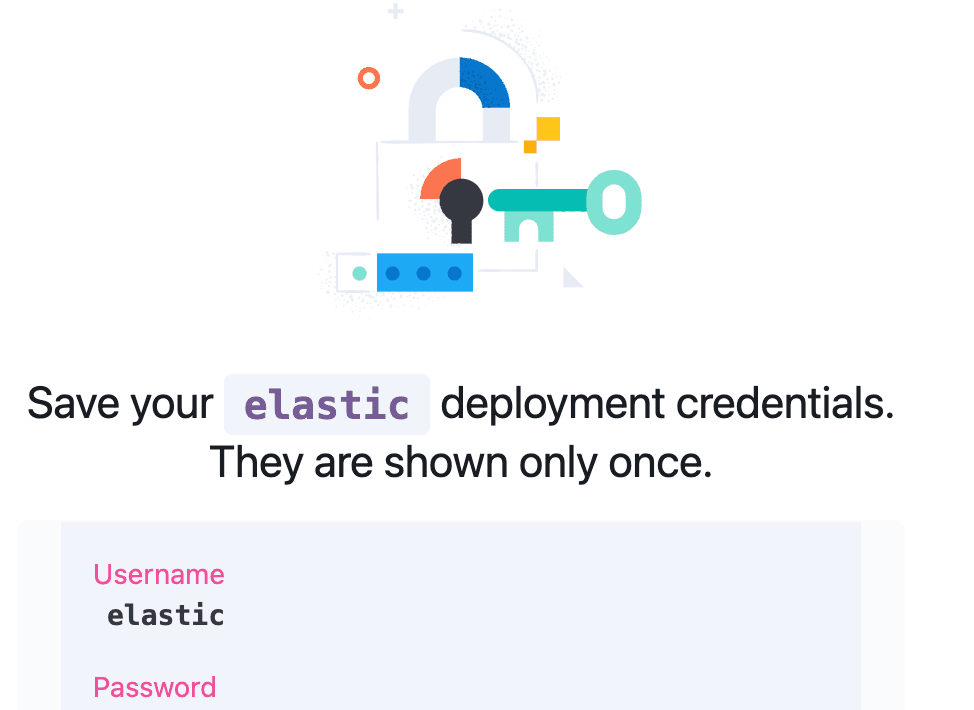
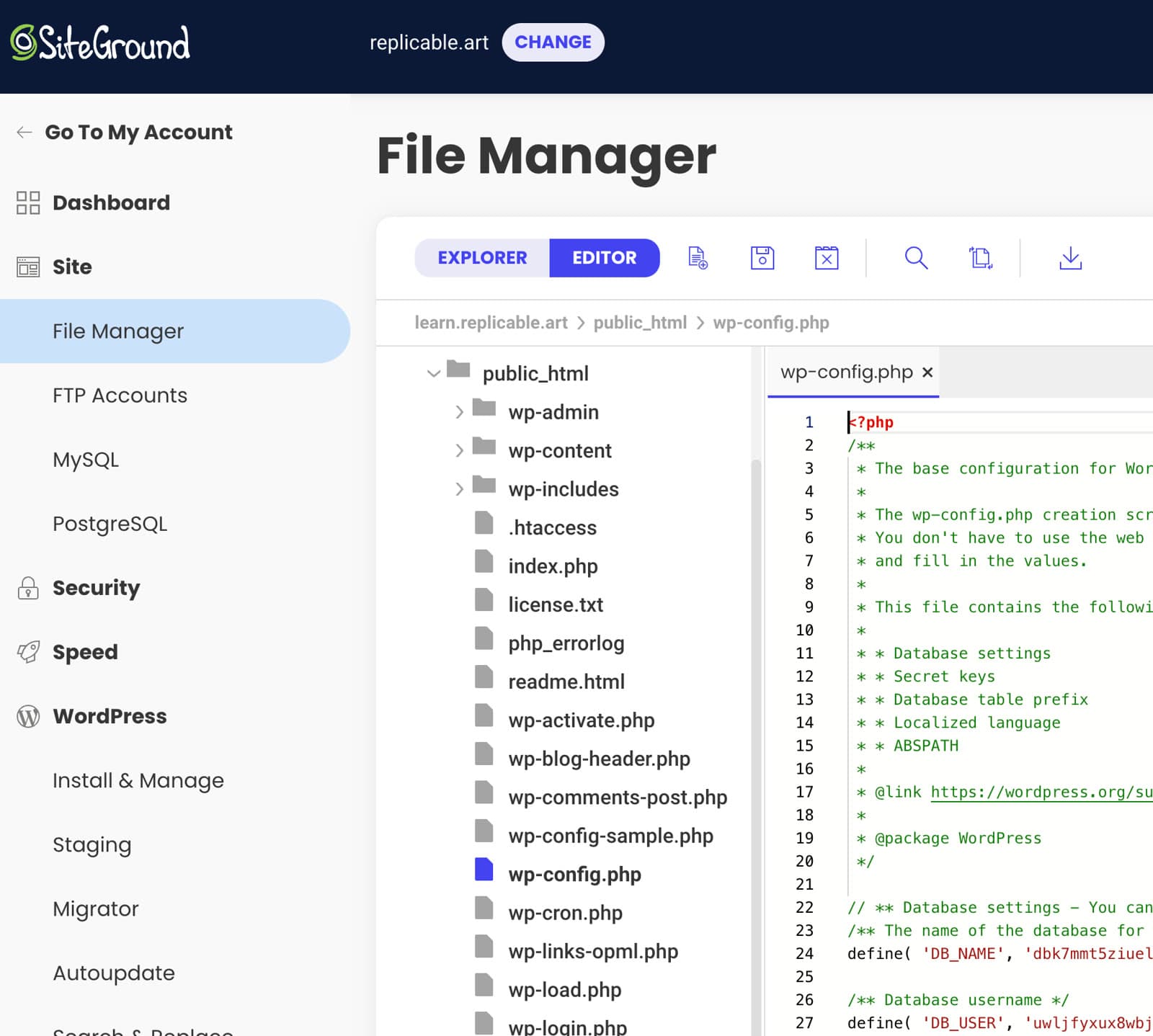
- add the username/pwd by adding one line
define( 'ES_SHIELD', '<username>:<password>' );to thewp-config.phpfile using SiteGround UI:
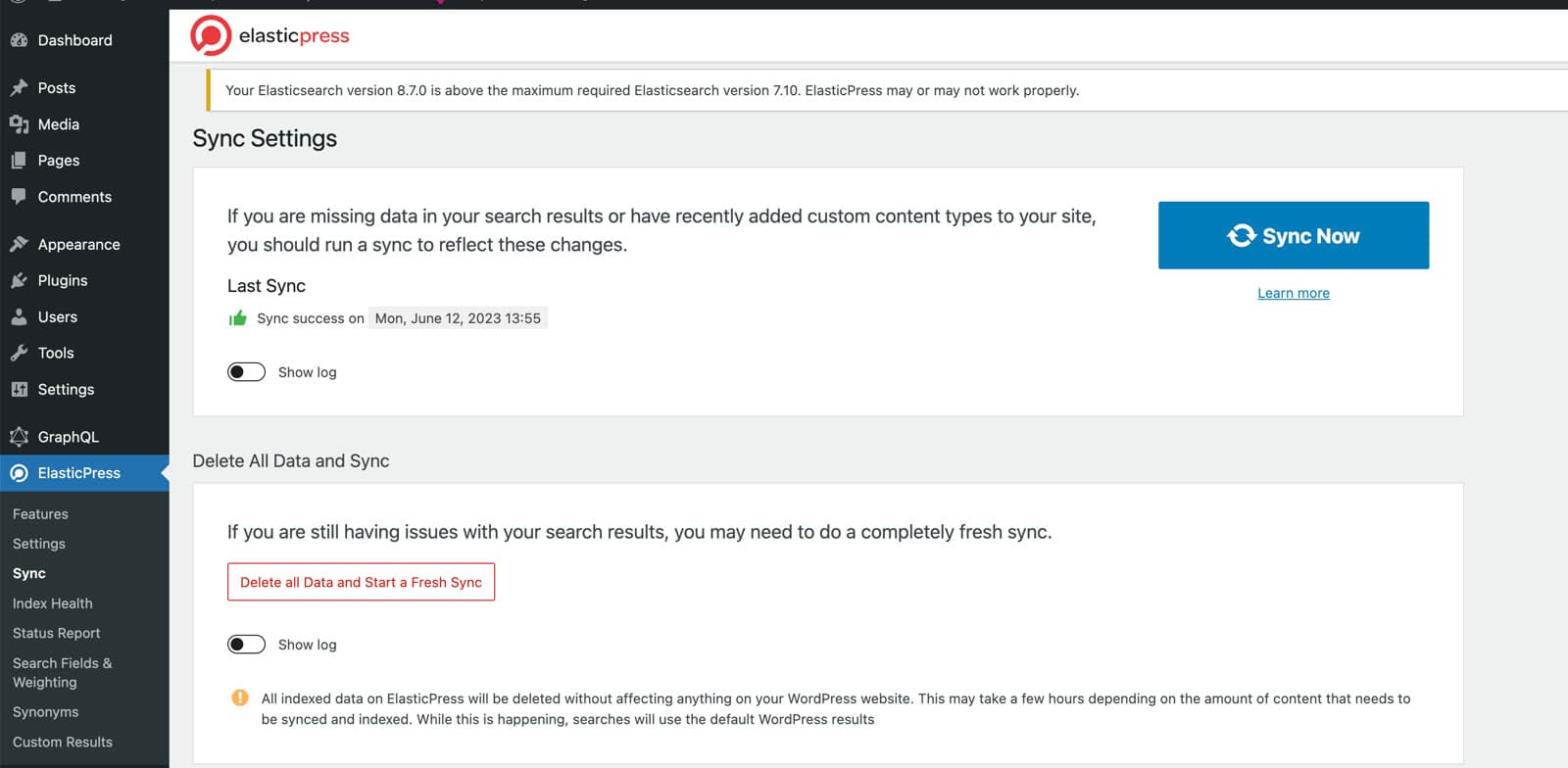
- Check the connection - the warnings can be ignored:

- Sync the posts information to the ES server:
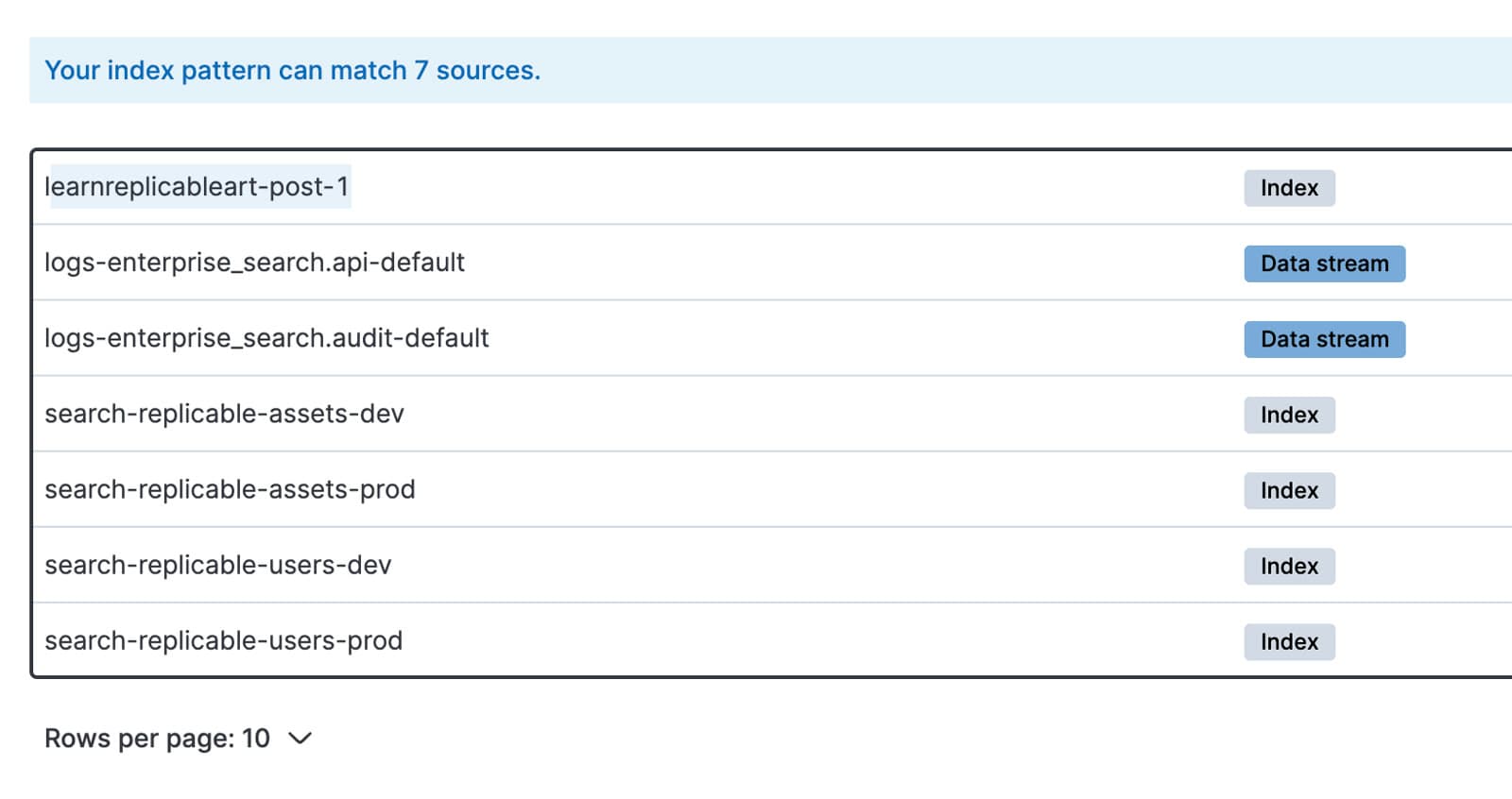
- Check the index created in ES:
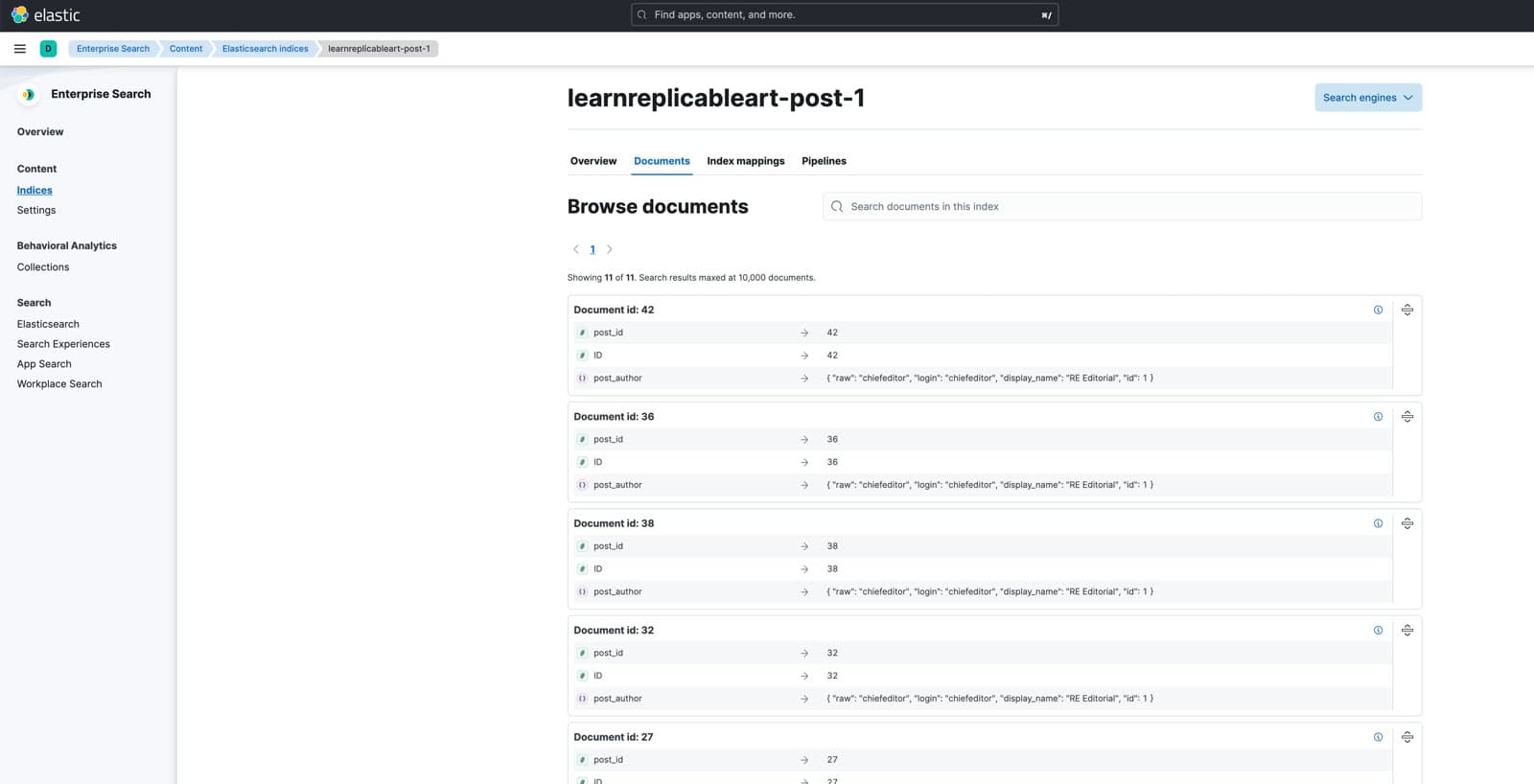
- Check the contents in ES:
References
- Vercel Headless Wordpress Docs and Template
- Using Headless WordPress with Next.js and Vercel
- How to get related post by category in headless wordpress?(GraphQL)
- Use ElasticPress
PS. The featured image for this post is generated using Stable Diffusion, whose full parameters with model link can be found at Replicable.Art.